Product page exampleFrom Linnet, a concept store by Bartley Studio
Bedding product page example: the Linen sheet set, from Linnet
A working product page from Linnet, a linen bedding studio we designed, built and photographed as a concept. Use it in the window below, then read why each part is there.
Linnet is a concept store: we designed it, built it and made every photograph on it. It is not a real business and nothing is for sale.
Why each part of the Linen sheet set page is there
Every part answers a question a buyer has before they add to cart, in the order they ask it.
A depth finder for the fitted sheet
Give the mattress depth and the finder sets the pocket in the buy column, the question behind most sheet returns.
Colours and sizes that reprice
Five colours and five sizes, each with stock or a pre-order date.
The corner up close
A boxed corner on a deep mattress shows the fit before anyone asks.
Sheets on a summer night
A room frame shows linen sheets on their own on a hot night, the use case that sells linen in New Zealand and Australia.
What is in the set
A fitted sheet, a flat sheet and two pillowcases, listed with their sizes, so nothing is assumed.
The trial, beside the button
A hundred nights and free returns, under the add to cart.
What to take from this page for your own store
The ideas behind this page work on any product page. Here is each one, why it works and how to try it on yours.
-
Let buyers check size or fit before they buy
Baymard Institute found that 42% of shoppers try to judge how big a product is from its images alone. A scale image, a sizer or a finder answers that before the order, not after the return. Baymard Institute, in-scale product images
On this page: A depth finder for the fitted sheet
Try it on your store. Add one image with a person or a familiar object for scale, or a simple finder that turns a buyer's measurement into a size.
How do I cut returns caused by "not as pictured"? -
Make every option change the photo, the price and the stock
A buyer who picks a colour or size and sees a different product, price or stock level knows exactly what they are buying, and does not have to guess.
On this page: Colours and sizes that reprice
Try it on your store. Give each variant its own photo, price and stock or lead time, so choosing one updates all three at once.
-
Show the detail that justifies the price
Close-ups of the material, the joint or the stitching answer how it is made and how long it will last, which is what a higher price is paying for.
On this page: The corner up close
Try it on your store. Add two close-ups: the material, and the one detail that shows quality in your product.
-
Show it in use, in a real setting
A product in a room, switched on or being worn lets the buyer picture it in their own life, which a plain packshot cannot do.
On this page: Sheets on a summer night
Try it on your store. Add one image of the product in use, in the kind of place your buyer would use it.
How many images, and which kinds, does a product page need? -
Price every add-on before it is added
When an underlay, a matching set or gift wrapping shows its price up front, buyers add it with confidence instead of meeting a surprise at checkout.
On this page: What is in the set
Try it on your store. Show each add-on with its price beside the main option, and update the total as it is chosen.
-
Put reviews and guarantees beside the decision
Reviews that say what each owner bought, and a trial or guarantee in one line by the button, answer the last doubts where the buyer is about to commit.
On this page: The trial, beside the button
Try it on your store. Move your rating under the product name, show the size or colour each reviewer bought, and put your returns promise next to the button.
Do you need photo reviews on product pages?
The imagery on the Linen sheet set page
Every frame on this page was made by Bartley Studio. For a real brand, they start from phone photos of each product.
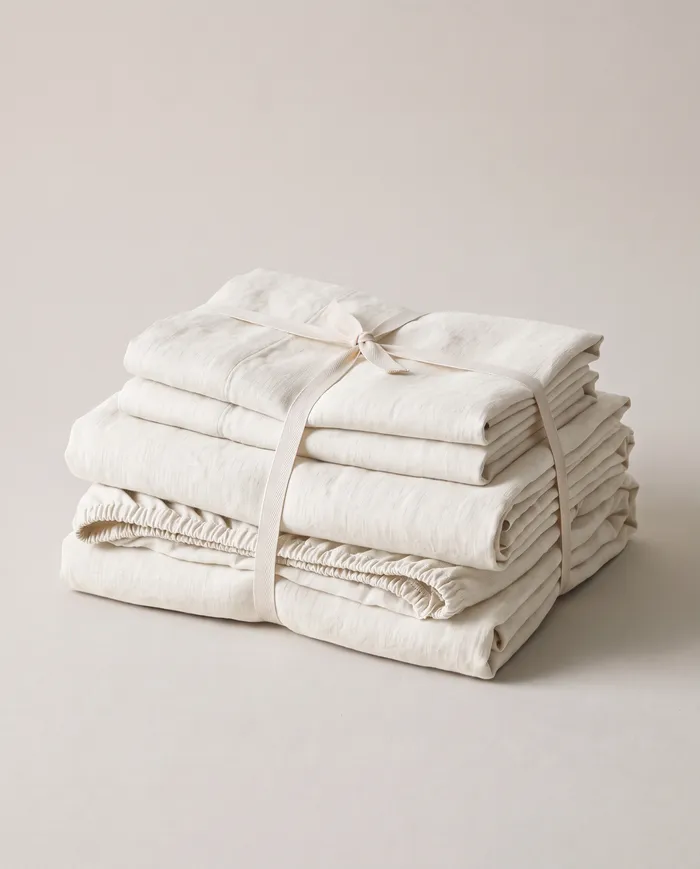
Folded 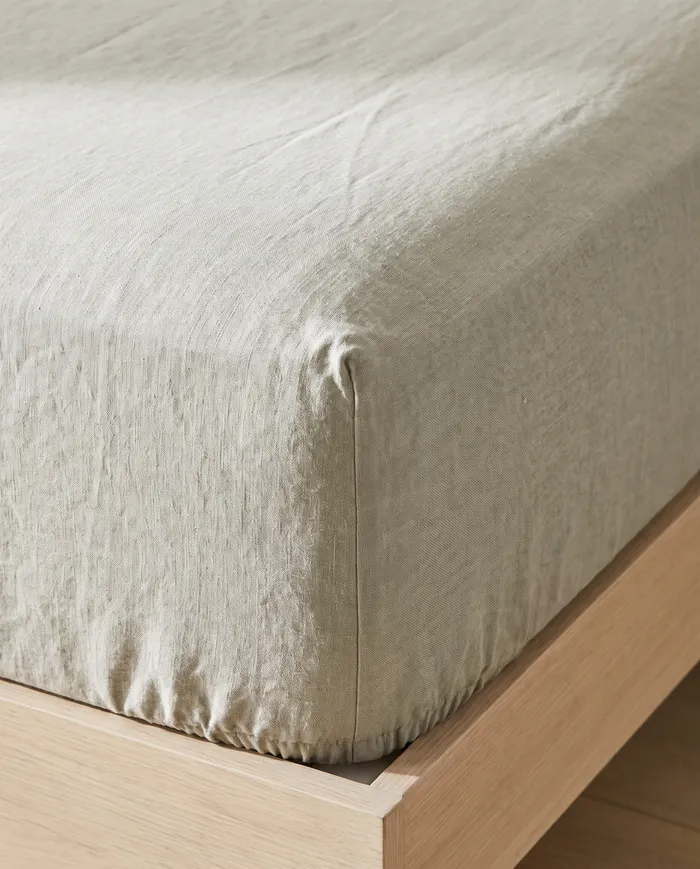
The corner up close 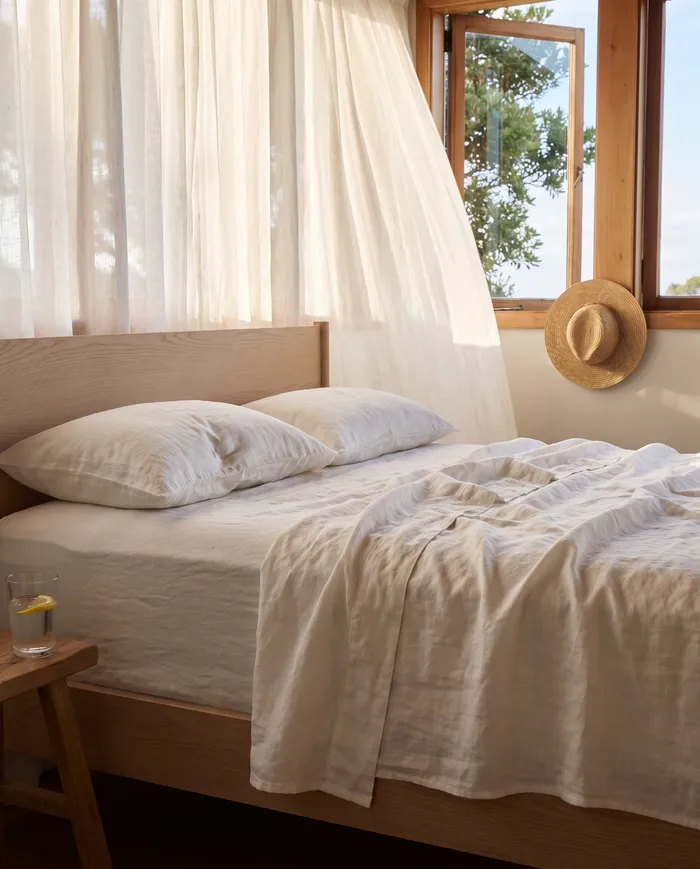
On a summer night 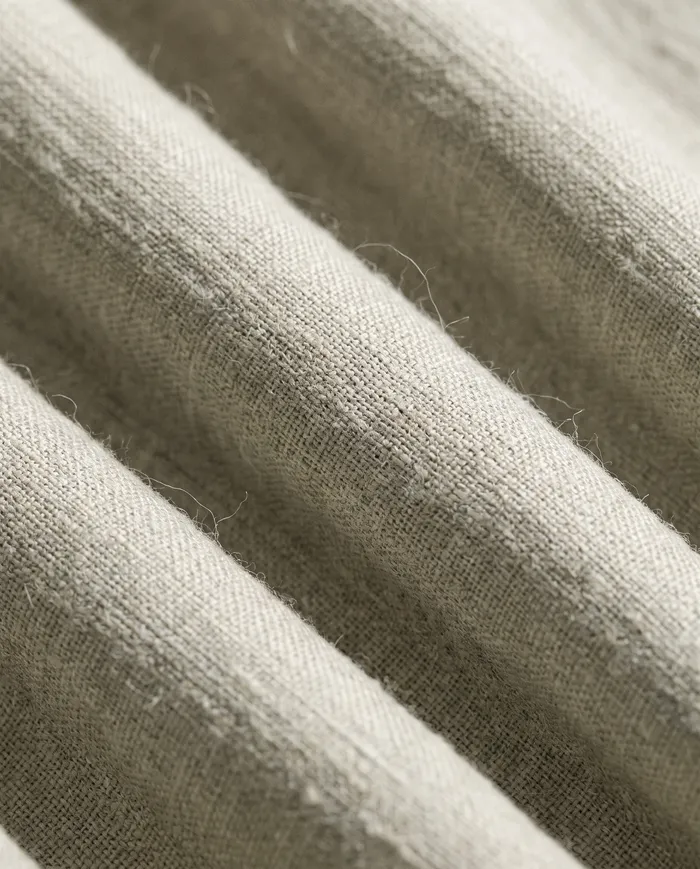
The weave up close 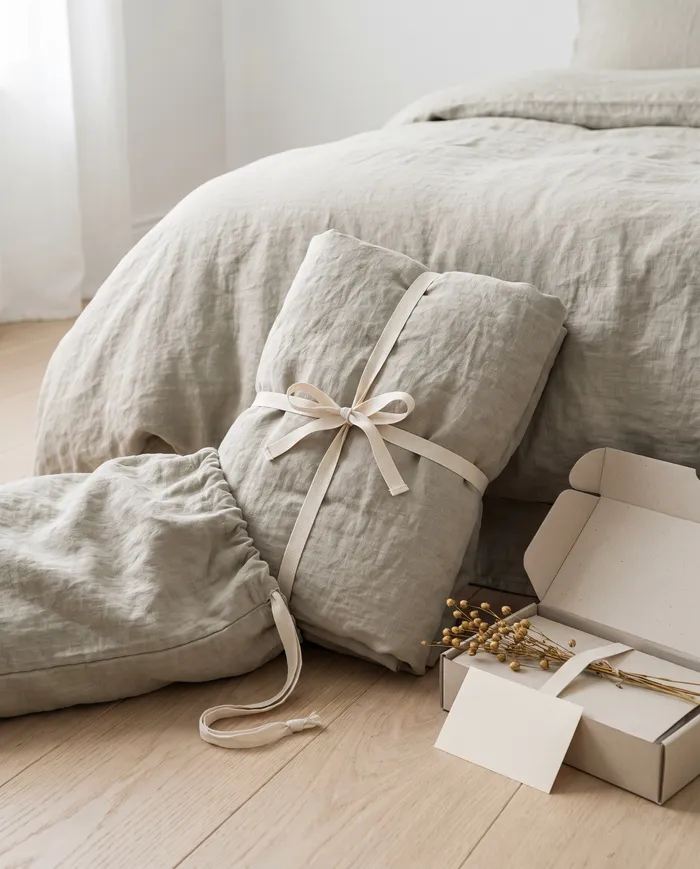
How it arrives


Score your own product page against this one
Open one of your product pages and tick what it does. It takes a minute, and every unticked line is a question your page leaves open.
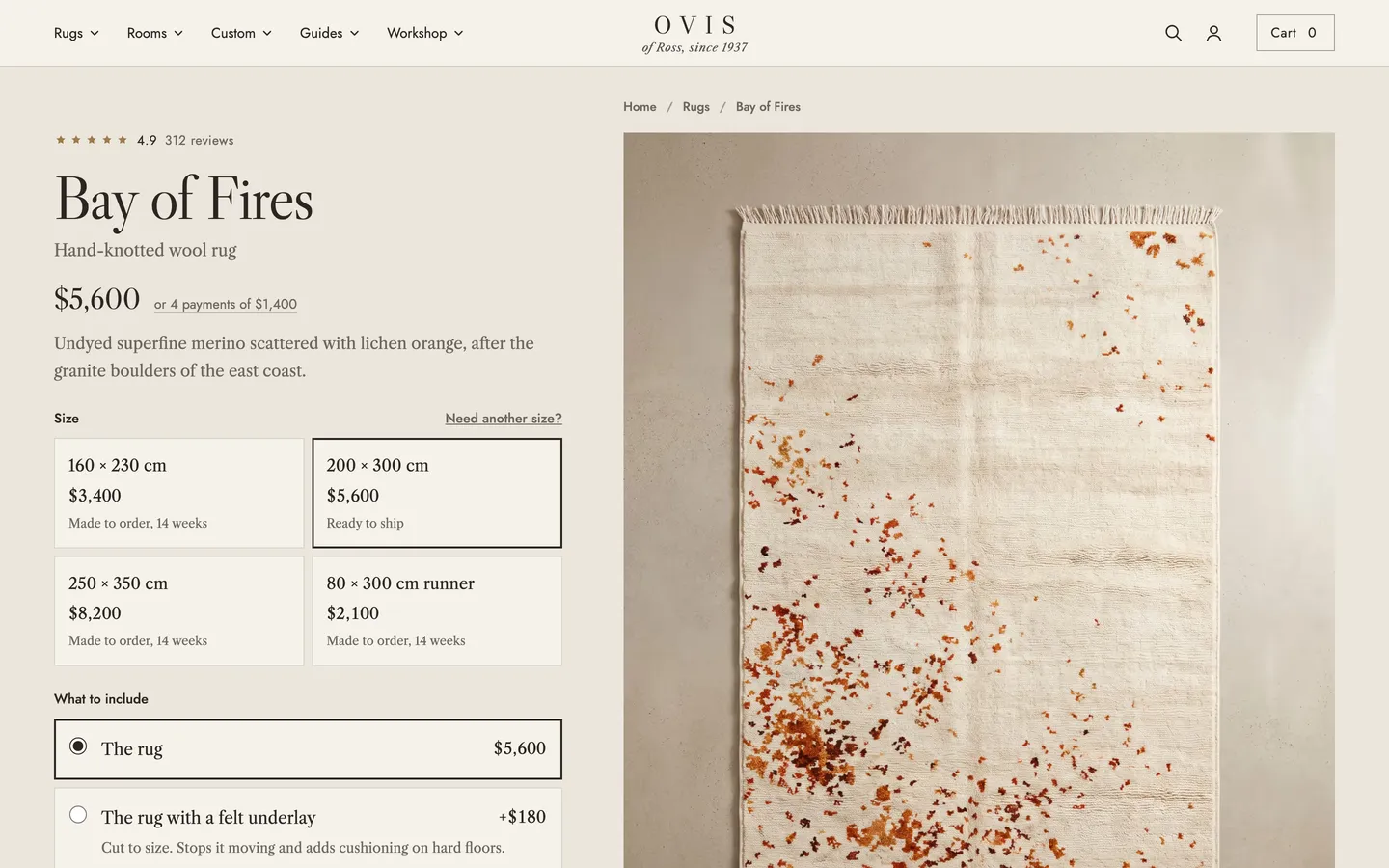
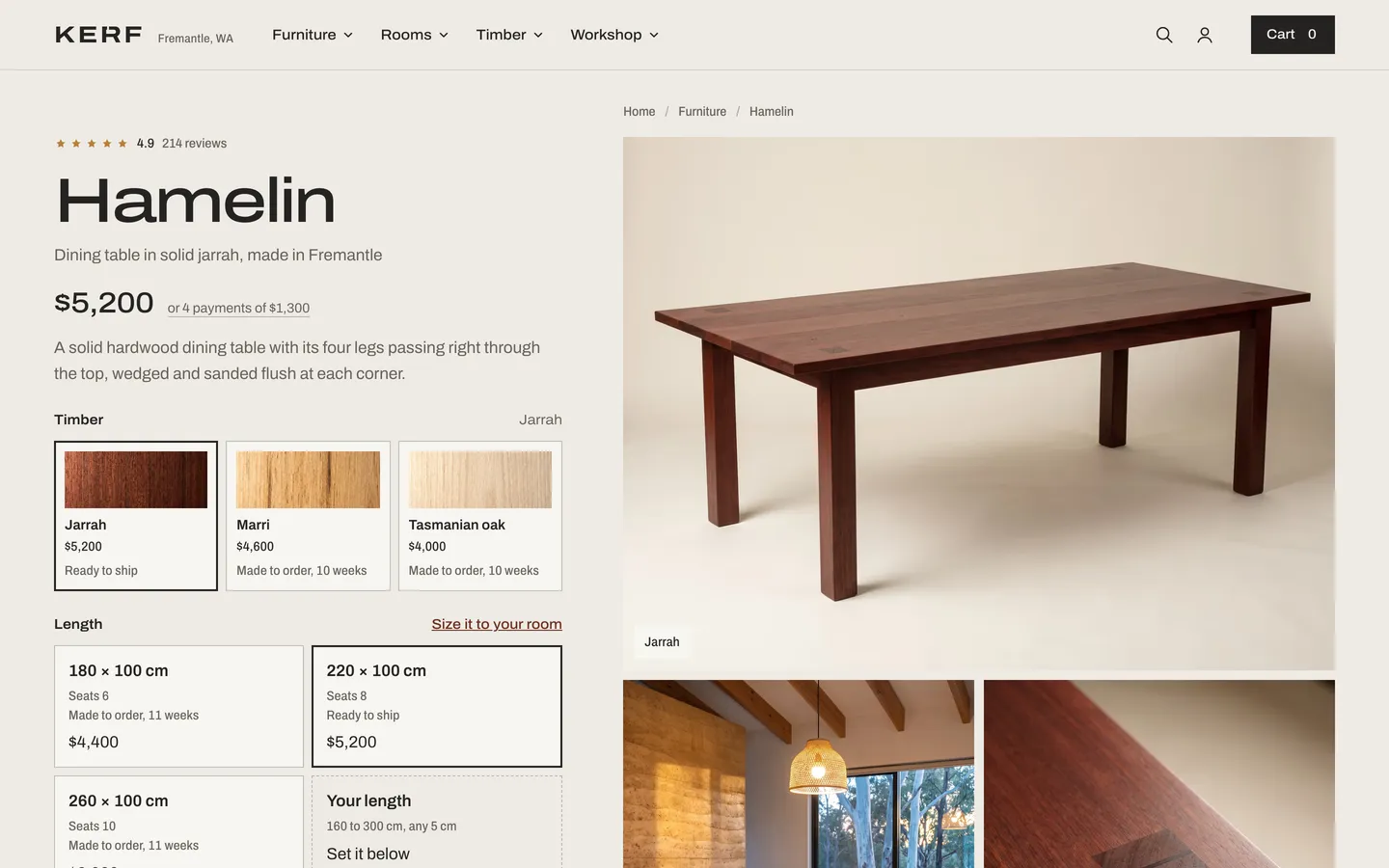
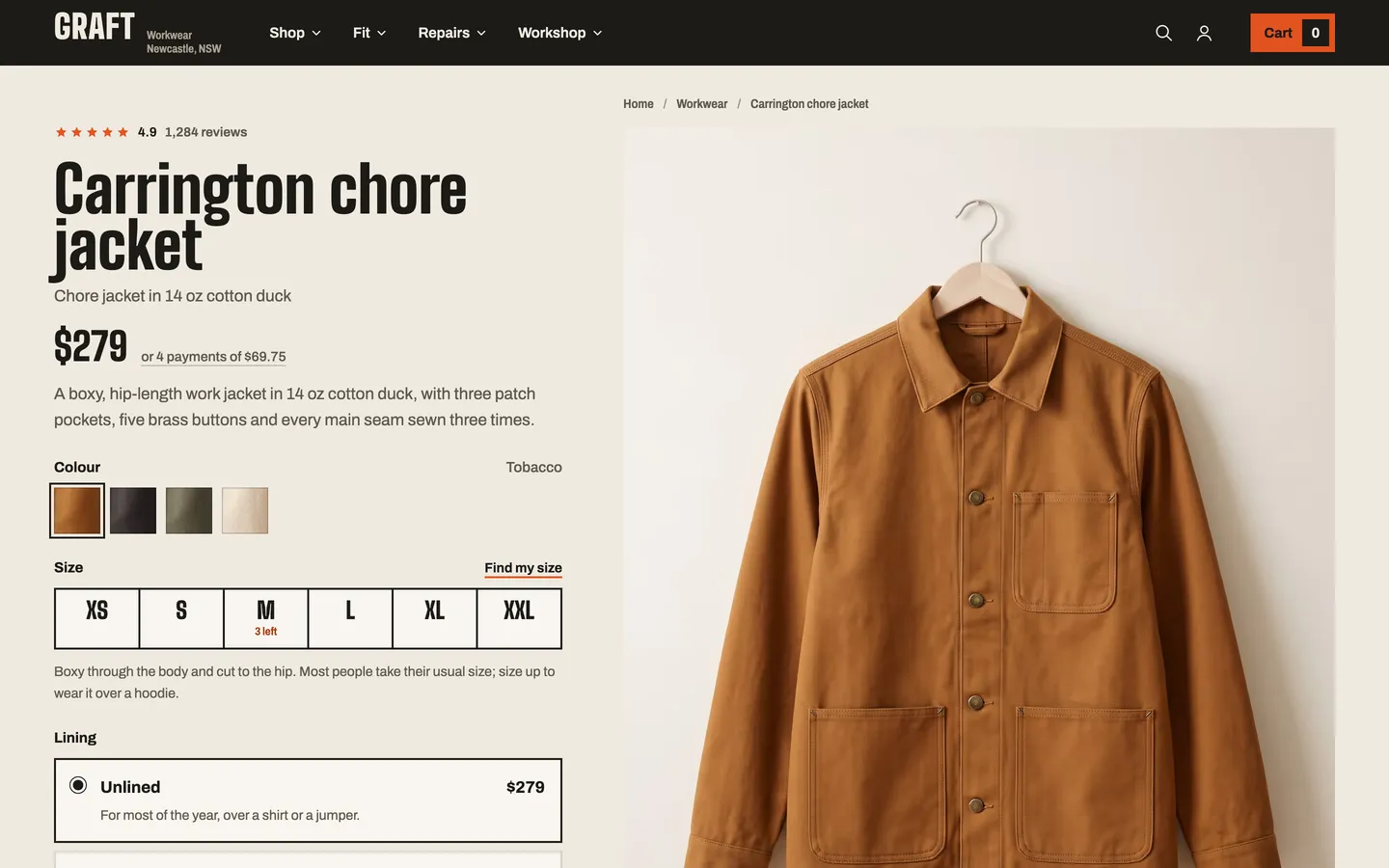
More product page examples


Questions about this example
Is Linnet a real store?
No. Linnet is a concept store designed and built by Bartley Studio, with every photograph made by the studio, to show what a product page and its imagery can do. Nothing on it is for sale.
Can Bartley Studio build a product page like this for my store?
Yes. Bartley Studio redesigns product pages around the photos you already have, or makes new imagery for them as well, and builds them into your Shopify store as a template for every product of that type.
Do I need new photos to get a page like this?
Not always. If your photos are good, the redesign uses them. If the gallery is missing frames buyers need, such as scale, detail or the product in use, Bartley Studio makes them from a phone photo of each product.
Still have a question? Ask us
Start a product page project
Redesign my product pagesTell us about your store and you get a clear quote.